
How to Upgrade Legacy Conference Rooms for Hybrid Work
The way we work has changed dramatically—and the spaces we work in must follow. With hybrid work now the norm, companies are rethinking their physical meeting spaces to support seamless collaboration between in-person and remote participants. But for many organizations, legacy conference rooms weren’t designed for this new reality. The good news? You don’t need to start from scratch. With a thoughtful approach, legacy conference rooms can be effectively upgraded to meet the demands of hybrid work.
1. Assess Your Current Setup
Before making any changes, start with a comprehensive audit of your existing equipment, infrastructure, and room usage. Consider:
- What AV technology is already installed?
- Are current systems compatible with platforms like Zoom or Microsoft Teams?
- How reliable is the network connectivity in the room?
- Are microphones and speakers positioned effectively?
- Is the camera setup sufficient for remote participants to feel engaged?
This baseline assessment will help identify gaps and opportunities for improvement without unnecessary replacements.
2. Prioritize Audio First
In hybrid meetings, poor audio is the fastest way to lose engagement. Legacy conference rooms often have echo-prone acoustics, outdated microphones, or inadequate speaker placement. To fix this:
- Invest in beamforming microphones or ceiling arrays that capture audio from anywhere in the room.
- Add DSP (digital signal processing) to clean up background noise and echoes.
- Upgrade speakers for even audio distribution—everyone should be able to hear and be heard clearly.
Clear audio ensures that remote participants can stay fully engaged, regardless of who’s speaking in the room.
3. Upgrade Visuals for Remote Inclusion
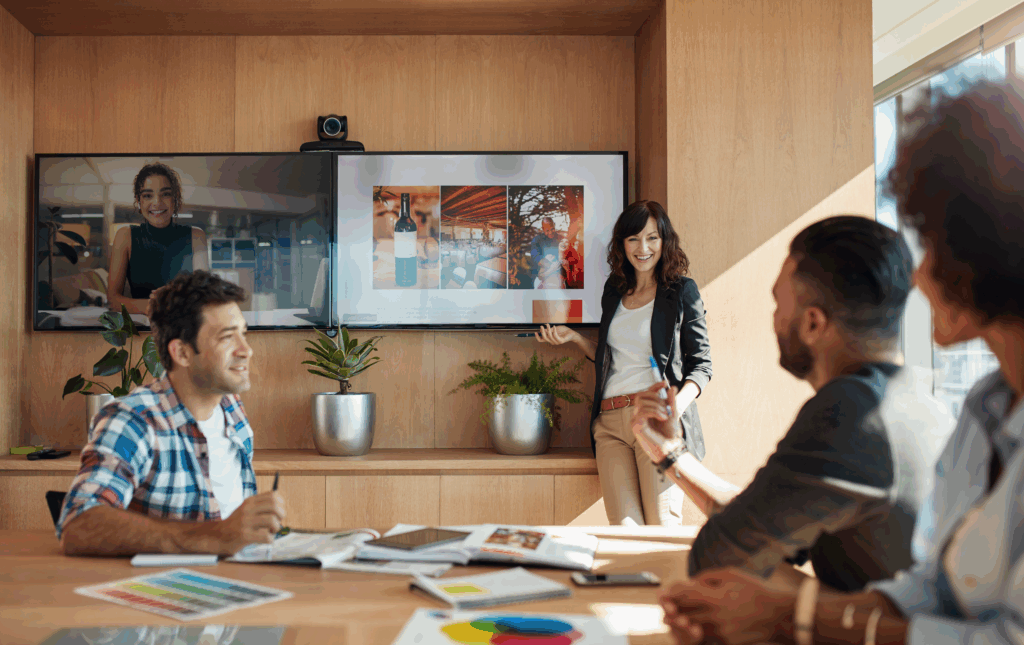
Legacy rooms may rely on single displays or fixed, low-resolution cameras. In a hybrid setup, visuals must work both ways—everyone should be able to see each other clearly.
- Use wide-angle or auto-framing cameras that adjust to whoever is speaking or presenting.
- Consider dual displays: one for shared content and one for remote participants.
- Upgrade to high-resolution displays or projectors for clearer, more dynamic presentations.
Some modern solutions even allow for AI-powered video switching and multi-camera setups to simulate a more immersive, face-to-face experience for remote users.
4. Integrate Collaboration Platforms
Legacy systems often rely on hardwired connections or proprietary systems. Modern hybrid rooms should support seamless integration with cloud-based platforms like Microsoft Teams, Zoom, or Google Meet.
- Add BYOD (Bring Your Own Device) capabilities
- Deploy dedicated room systems (e.g., Zoom Rooms, Teams Rooms) with touch interfaces and one-touch join functionality.
- Ensure any room upgrades are platform-agnostic to maintain flexibility.
5. Simplify Control and Automation
One major pain point in legacy rooms is usability. If launching a meeting requires a manual, the system is too complex.
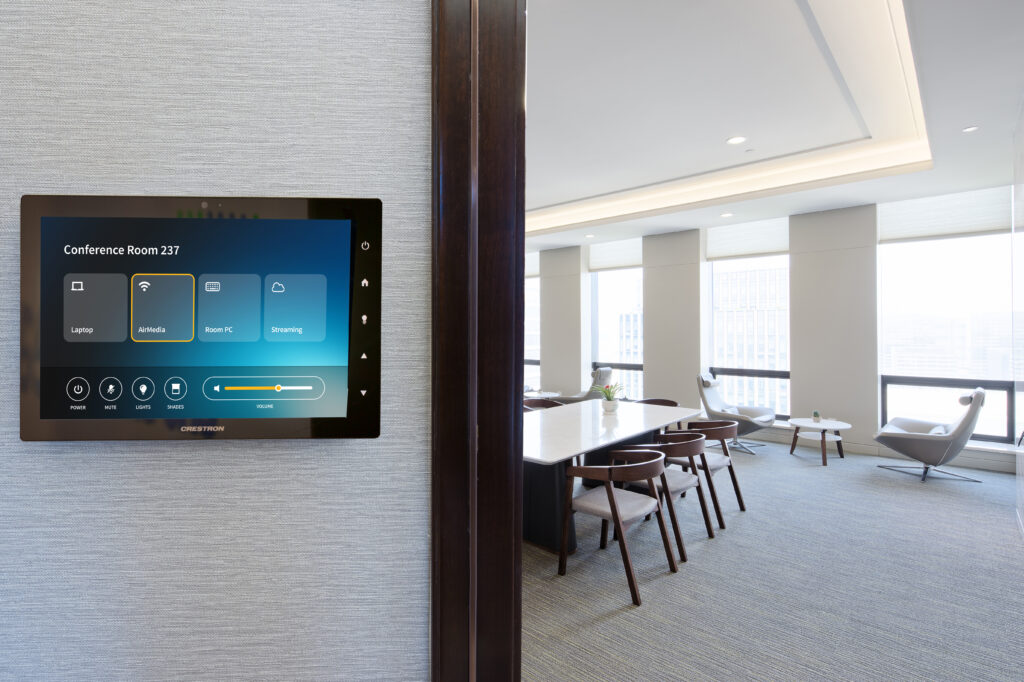
- Install simple, intuitive touch panels for room control.
- Use occupancy sensors and automation to power on displays and adjust lighting or blinds automatically.
- Enable remote management and monitoring so IT can troubleshoot without being physically present.
6. Think About Room Design and Layout
Hybrid-friendly rooms require thoughtful layouts:
- Position furniture and displays so that in-room participants face the camera and microphones.
- Optimize lighting to avoid shadows or glare that can impact video quality.
- Use acoustic treatments if the room suffers from echo or noise.
The physical environment is just as important as the technology within it.
7. Plan for Scalability and Future-Proofing
Hybrid work isn’t going away—your upgrades should be able to adapt over time.
- Choose modular components that can be updated without replacing the entire system.
- Opt for software-based AV where possible, allowing for remote updates and feature enhancements.
- Build with interoperability in mind to integrate with future tools or platforms.
Final Thoughts
Upgrading legacy conference rooms for hybrid work doesn’t have to be a full renovation. By focusing on the core pillars of audio, video, collaboration, and usability, businesses can transform outdated spaces into modern, inclusive environments that support today’s flexible work styles. The key is to strike the right balance between preserving existing investments and embracing future-ready technology.